

Introduction
After your environment exists, you must place runnable code or build output where the server can execute it. That is code deployment in the broad sense—whether you ship Git repos, compiled binaries, Docker images, or static files.
The options and tradeoffs are the same for Python, .NET, Go, Java, Node, PHP, etc. Only the commands after the sync change (npm ci, pip install, dotnet publish, docker pull, …).
Methods overview (universal)
- Version control host (GitHub, GitLab, Bitbucket, Azure DevOps, self-hosted) — clone or pull on the server or in CI.
- Direct file copy over SSH (
scp,rsync, SFTP clients). - Artifact storage (S3, GCS, Azure Blob, Nexus) — upload from CI, download on server.
- CI/CD pipelines — automate checkout, build, test, and push/deploy.
1. Git-based deploy (most teams)
Pattern: the server (or a build agent) has read access to the repo; you git pull (or fetch + reset) to update.
A. SSH keys to the Git host (same for all languages)
On the machine that will pull:
ssh-keygen -t ed25519 -C "deploy@your-org"
cat ~/.ssh/id_ed25519.pub
Add the public key to the Git provider (deploy key on one repo, or machine user for many repos).
Test (GitHub example):
ssh -T git@github.com
B. Clone and update
git clone git@github.com:org/app.git
cd app
Later:
git pull
C. Install dependencies and build — you swap this per stack
| Stack | Illustrative commands (not exhaustive) |
|---|---|
| Node | npm ci → npm run build (if applicable) |
| Python | python -m venv .venv → pip install -r requirements.txt |
| .NET | dotnet restore → dotnet publish -c Release |
| Go | go build or copy prebuilt binary from CI |
| Java | ./mvnw package or Gradle equivalent |
| PHP | composer install --no-dev |
| Docker | docker compose pull / docker pull |
The deploy recipe is always: sync sources → install → build (optional) → restart service (see process managers).
Database connection config (local vs production)
- Never commit real passwords, API keys, or full
.envfiles. Commit a.env.example(dummy hostnames and keys) so others know which variables exist (DATABASE_URL,DB_HOST, etc.). - Local: point at your dev database (SQLite path,
localhost, or a Docker service name from compose). - Production: set connection strings via server environment variables, a secrets manager, or your host’s config UI—values differ from your laptop; hosts and DB names change.
- Migrations: after new code is on the server, run your migration tool when you deploy (Prisma migrate, Flyway, Entity Framework, Django
migrate, Railsdb:migrate, raw SQL scripts—whatever your stack uses). Order is usually: pull code → install/build → run migrations → restart app, so the schema matches the new code. Test migrations against a staging copy of production data when you can. - Seeds and destructive scripts belong in development or controlled maintenance windows—not as silent steps on every production deploy unless that is an explicit, reviewed process.
2. SCP / rsync / SFTP
When it fits: quick fixes, small sites, air-gapped-ish flows, or when Git is not available.
Upload from your machine:
scp -r ./project-folder user@server:/path/to/app
Caveat: easy to drift from version control if this becomes your main path.
3. GUI clients (FileZilla, WinSCP, etc.)
Same as SFTP—manual, fine for learning or emergencies; pair with discipline or automation for production.
4. CI/CD (automate the pattern)
Pattern never changes:
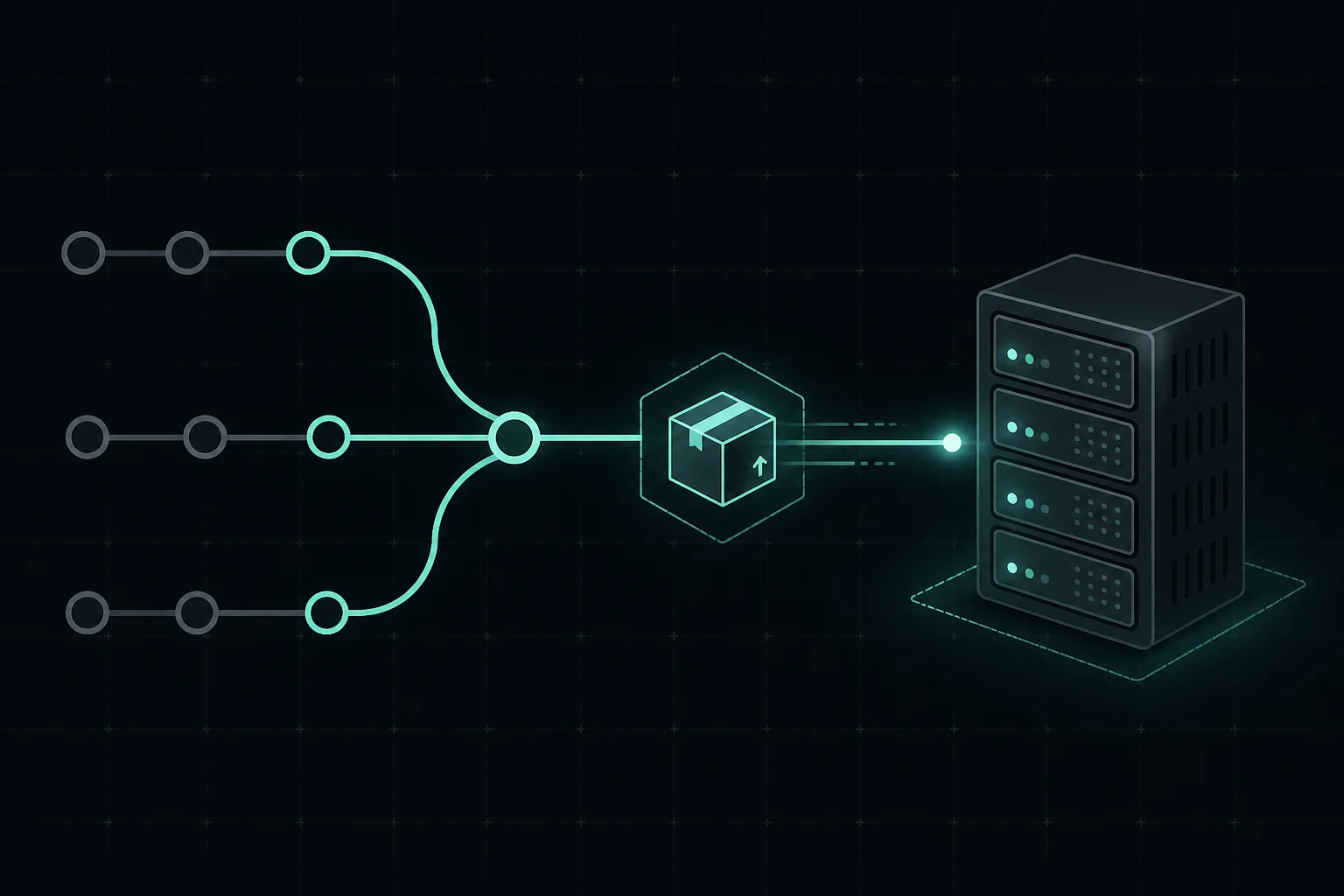
Trigger (push / tag) → checkout → install → test → build → ship to server or registry → restart workload
Ship might mean SSH + script, Kubernetes apply, Terraform, PaaS API, or uploading an artifact. See CI/CD guide.
Choosing a method
| Method | Fits when… |
|---|---|
| Git on server | Simple VPS deploys, small teams |
| Artifact + CI | Stricter separation of build/runtime |
| Containers | Image registry is the “deployment” |
| SCP/SFTP | Rare updates or legacy constraints |
Common mistakes (any language)
- Committing secrets (API keys,
DATABASE_URLwith password,.env) to Git - Running
npm install/pip installon prod without lockfiles or pinned versions - Forgetting to restart the service after pulling new code
- Copying vendor folders or
node_modulesfrom Windows to Linux (path/binary issues) - No rollback story (tag releases, keep previous artifact)
Pro tips
- Prefer SSH Git URLs on servers over HTTPS + tokens where possible
- Strong
.gitignore: build output, deps, env files, OS junk - One documented deploy script or pipeline—humans and CI run the same steps
- Pair Git + a supervisor + reverse proxy for classic VM deploys
What comes next
Conclusion
Deployment is a pattern: get bits onto the box (or into the cluster), install/build, restart, verify. Master the pattern; look up your commands in the docs for each stack.
Related: Server / environment setup, Process managers, CI/CD.